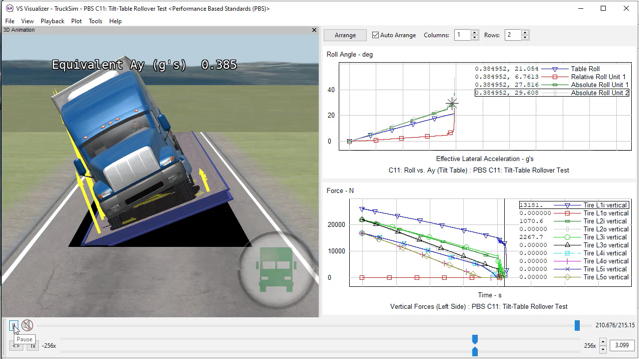
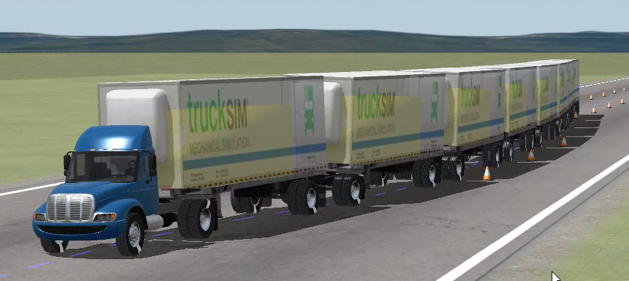
TruckSim delivers the most accurate, detailed, and efficient methods for simulating the performance of multi-axle commercial and military vehicles. With more than twenty years of real-world validation, TruckSim is universally the preferred tool for analyzing vehicle dynamics, developing active controllers, calculating a truck’s performance characteristics, and engineering next-generation active safety systems.
Current version: 2024.1
TruckSim Advantages
CarSim, TruckSim, and BikeSim are used worldwide by over 110 OEMs and Tier 1 suppliers and over 200 universities and government research labs. (There are more than 400 active TruckSim seats, not including driving simulators or students.) Here are some reasons why so many engineers have selected TruckSim:
- TruckSim is a standalone application. It does not require any other software to perform simulations.
- TruckSim supports:
- Software-in-the-loop
- Model-in-the-loop
- Hardware-in-the-loop
- Driver-in-the-loop
- Model options such as frame twist and ADAS sensors are supported in the TruckSim Math Model library. Here is the PDF with TruckSim Model and License Options.
- TruckSim has an intuitive user interface and powerful analysis tools (see any of the videos).
- TruckSim allows users to build complex scenarios and test event sequences.
- TruckSim includes built-in controllers to mimic driver behavior: path following, speed and acceleration control, gear shifting and mechanical clutch control, etc.
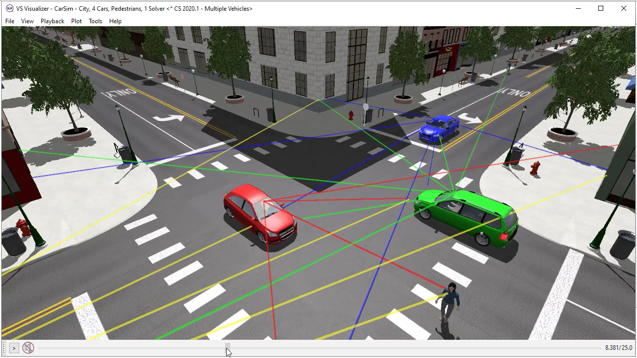
- TruckSim supports vehicle sensors and interactive traffic for V2V and ADAS development.
- TruckSim includes over 2100 pages of indexed documentation covering all aspects of the software.
- TruckSim includes numerous example vehicles, roads, and procedures to assist first-time users.
- TruckSim is economical in comparison to other commercial vehicle dynamics software tools.
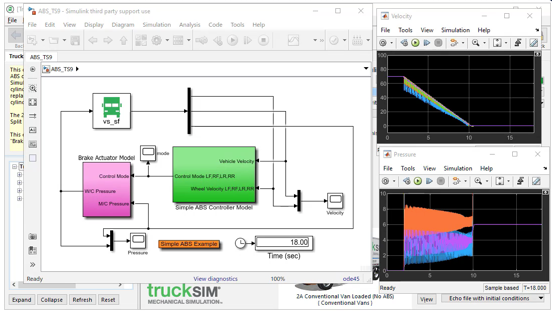
- TruckSim has a standard interface to MATLAB/Simulink.
VehicleSim Technology
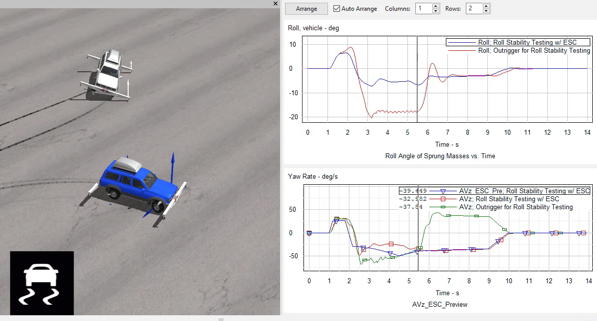
CarSim, BikeSim, and TruckSim all use technology first introduced in 1990 and developed continuously since then. Efficient parametric math models reproduce system-level vehicle dynamics behavior, under the control of a GUI intended for engineers who need to evaluate vehicle/controller behavior without spending weeks of training. VehicleSim products also include the VS Visualizer tool for viewing simulations with plots and photo-realistic animation.
In addition to the built-in capabilities of the TruckSim models, the VehicleSim software tools include methods to extend the capabilities with user-defined programs and/or connections to third-party software:
- Commercial simulation environments Simulink (the MathWorks), LabVIEW (National Instruments), and ASCET (ETAS).
- Simulation environents that support the Functional Mockup Interface (FMI); TruckSim can automatically generate Functional Mockup Units (FMUs) that work in many external software environments.
- VS Commands (the built-in scripting language).
- Run with custom programs (MATLAB, Visual Basic, C/C++) using the VS SDK (software development kit).
- Run with remote control via Windows COM and other methods.
- Support of HIL (hardware in the loop) testing on major RT (real time) platforms.
- Support of driving simulators that use TruckSim as the RT vehicle math model.
See the links in the sidebar for more information about the technology and simulation features available in TruckSim.
TruckSim Information
OverviewExample: TruckSim Tilt Table
PDF Documents
Introduction to CarSim (and TruckSim)TruckSim Brochure
TruckSim Math Models
TruckSim Model and License Options
3D Animator Shapes
System and Software Compatibility
Built-In Features
ADAS: Moving Objects and SensorsAnimation and Plotting
Automation and COM
Built-In Controllers
GUI, Database, and Documentation
Modular VS Math Models
Paths and S-L Coordinates
Roads and Terrain
VS Commands Language
VS Scene Builder Tool
Co-Simulation Technologies
Real-Time HIL SupportSimulink, FMI/FMU, LabVIEW, ASCET
Unreal Engine
VehicleSim SDK
More
Driving SimulatorsEngineering Services